SSL Pinning bypass (Android Emulator)
How to bypass SSL pinning with an android emulator for pentesting
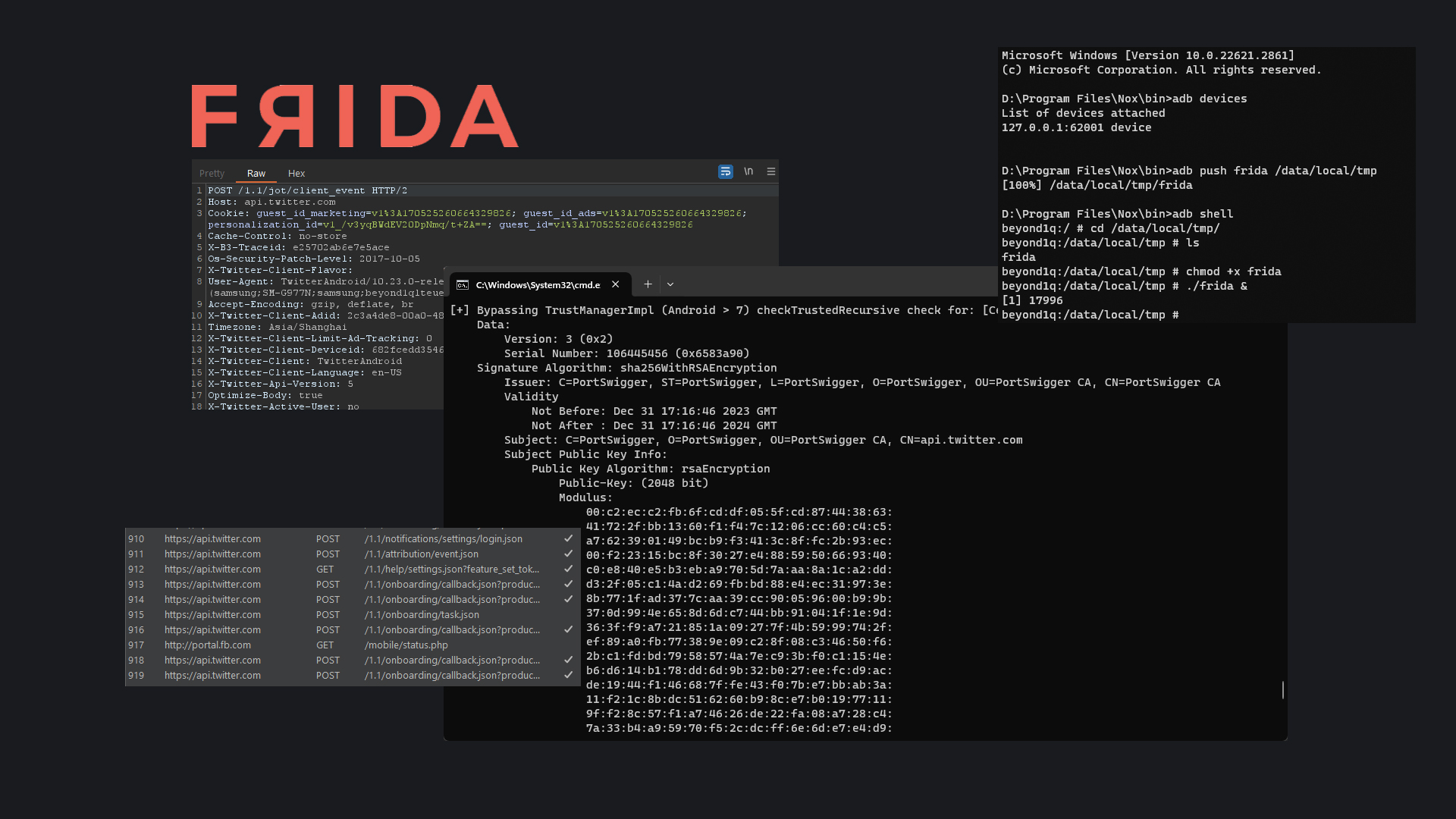
Over the weekend, I was taking a look at an application which implemented SSL pinning. Here's the technique I used to bypass pinning and view the raw requests sent to the application server which then helped me to uncover crucial details about the application's functionality.
Prerequisites
An android emulator of choice
Burpsuite (installed on host machine)
Python packages
objectionIf you face issues post-installation:
pip install --upgrade setuptoolsfridafrida-tools
Configure Burp Proxy
on host
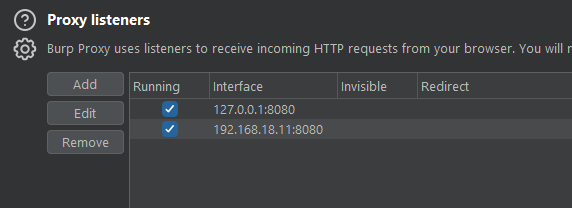
on emulator

Install Certificate onto emulator

Launch the browser and head to http://burp and download the CA Certificate.
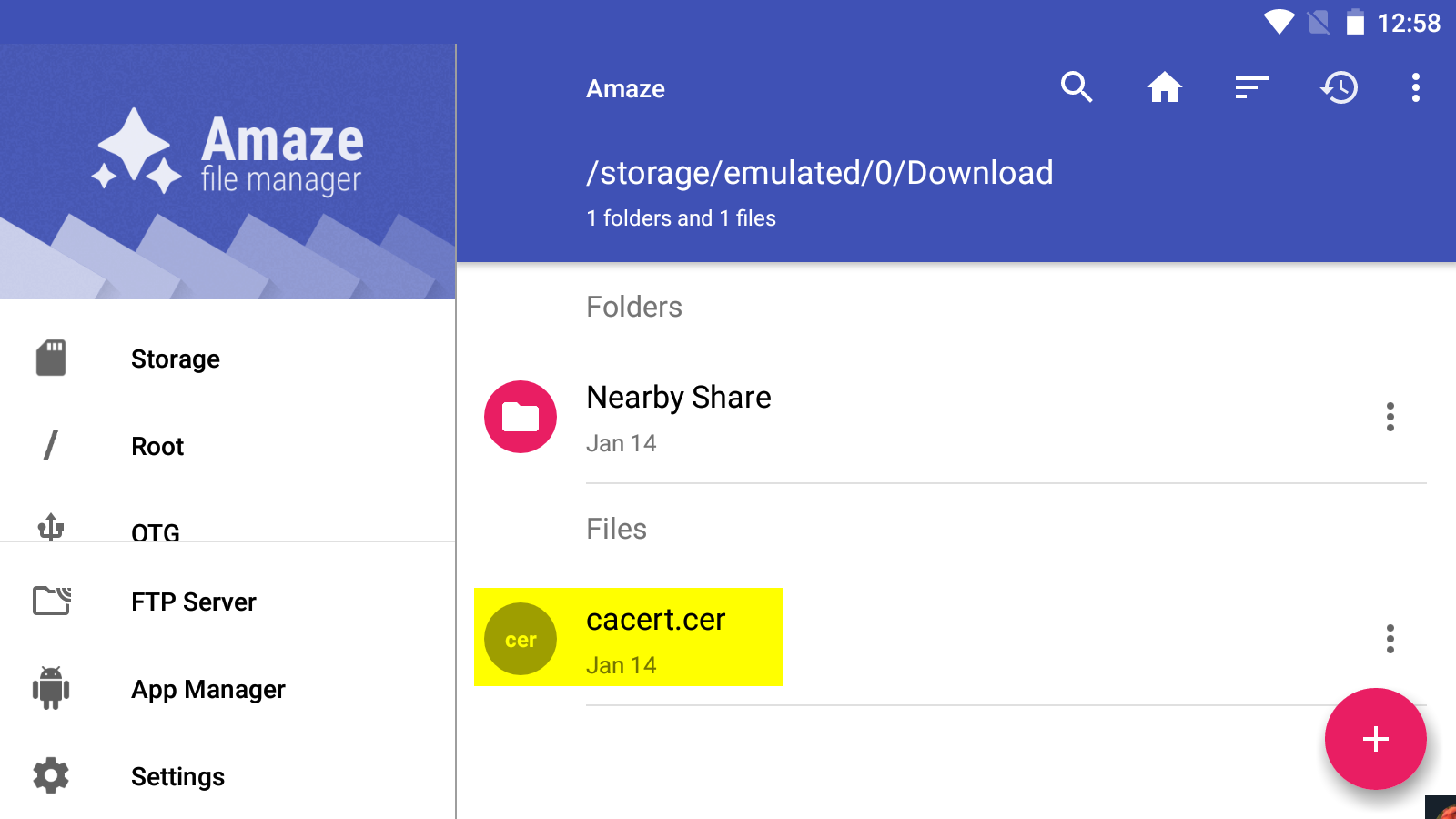
Make sure to rename the cert to <name>.cer via the file manager.
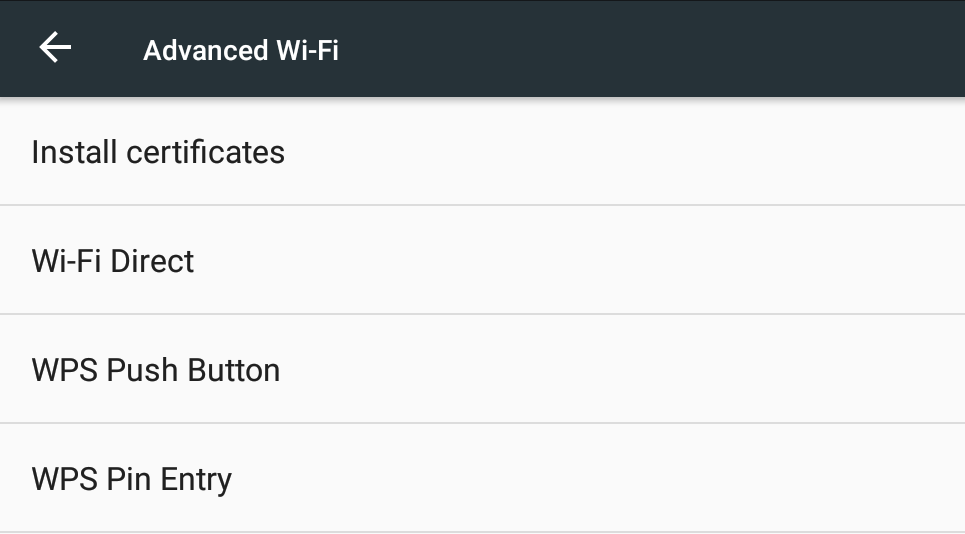
Then head to the certificate settings on the respective emulator and install the newly downloaded certificate.
Frida Server
Releases · frida/frida (github.com)
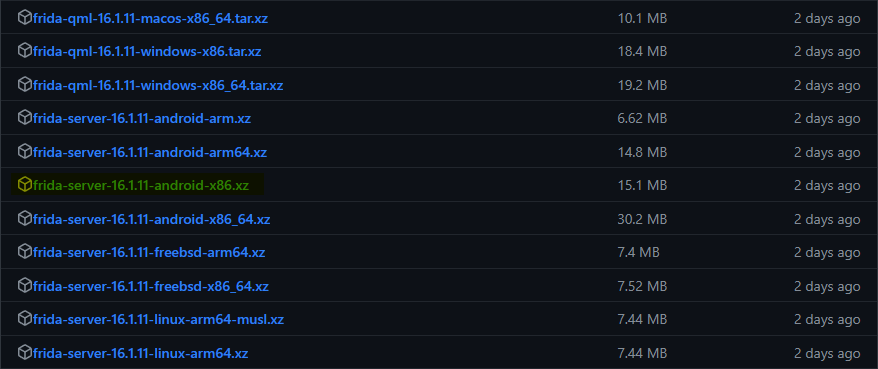

download the unzip the respective frida-server versions, extract it and move it to the bin location of your emulator. In my case : D:\Program Files\Nox\bin
adb devices
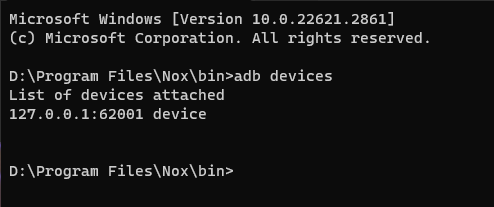
verify that the adb interface is attached to the device.
adb push frida /data/local/tmp

Push the frida binary to the device via ADB.
D:\Program Files\Nox\bin>adb shell

cd /data/local/tmp/
chmod +x frida
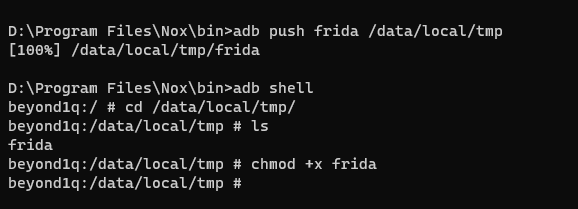
Give the binary execute permissions.
./frida &

Run frida server in the background.
Bypass SSL Pinning
There are a ton of scripts developed by the community for frida which you can find here. We'll be making use of the frida-multiple-unpinning script for our use case.
frida --codeshare akabe1/frida-multiple-unpinning -U -f com.twitter.android
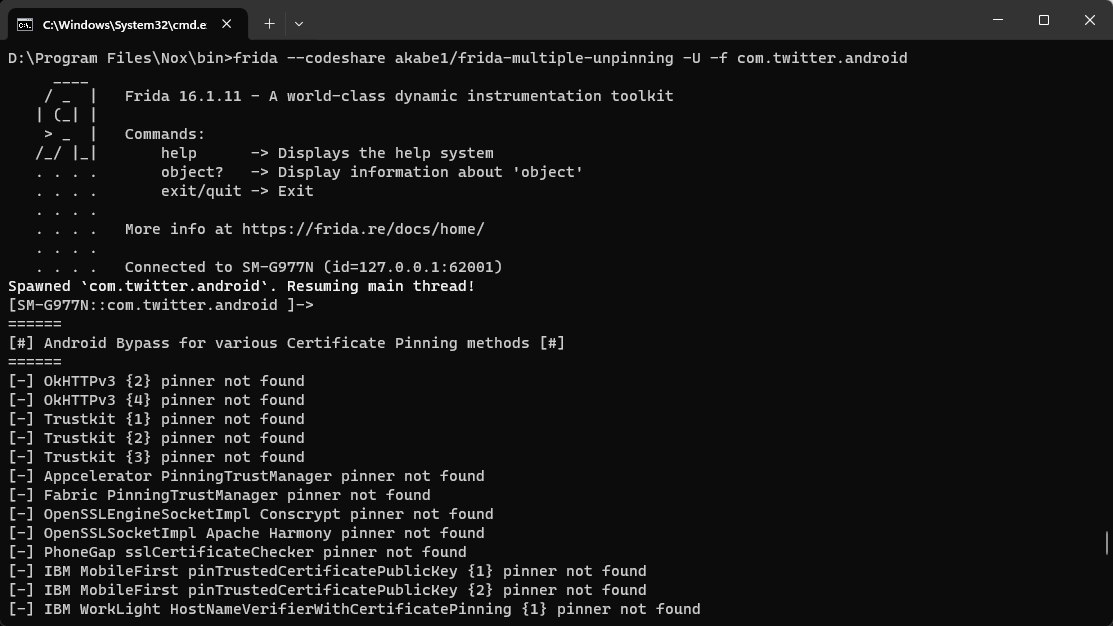
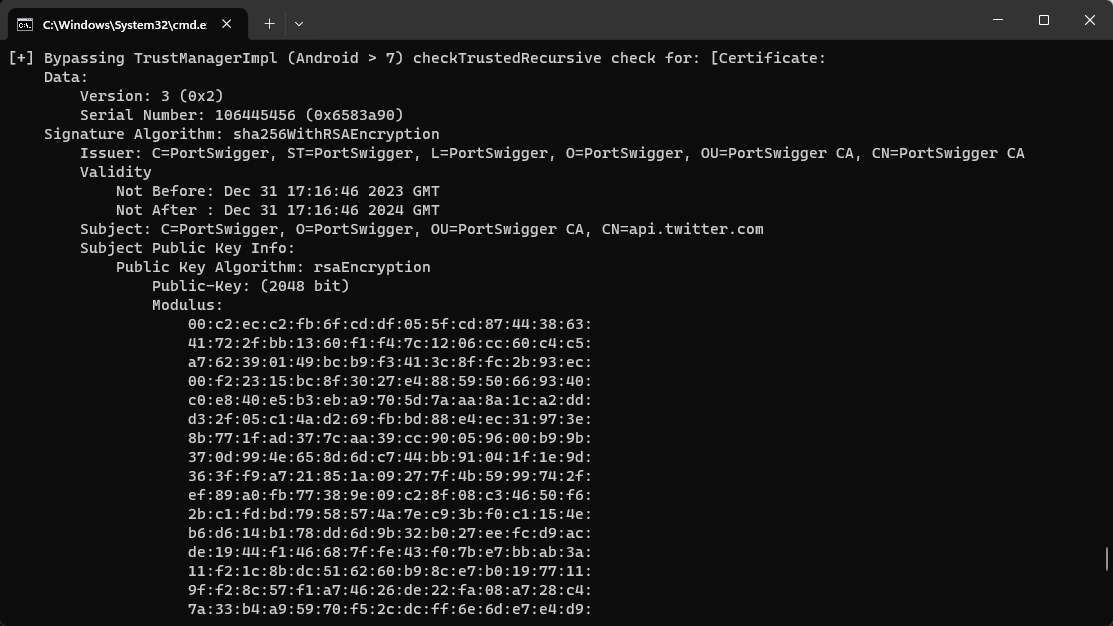

We can verify that the X AKA twitter app has opened up and the SSL pinning bypass is in effect.
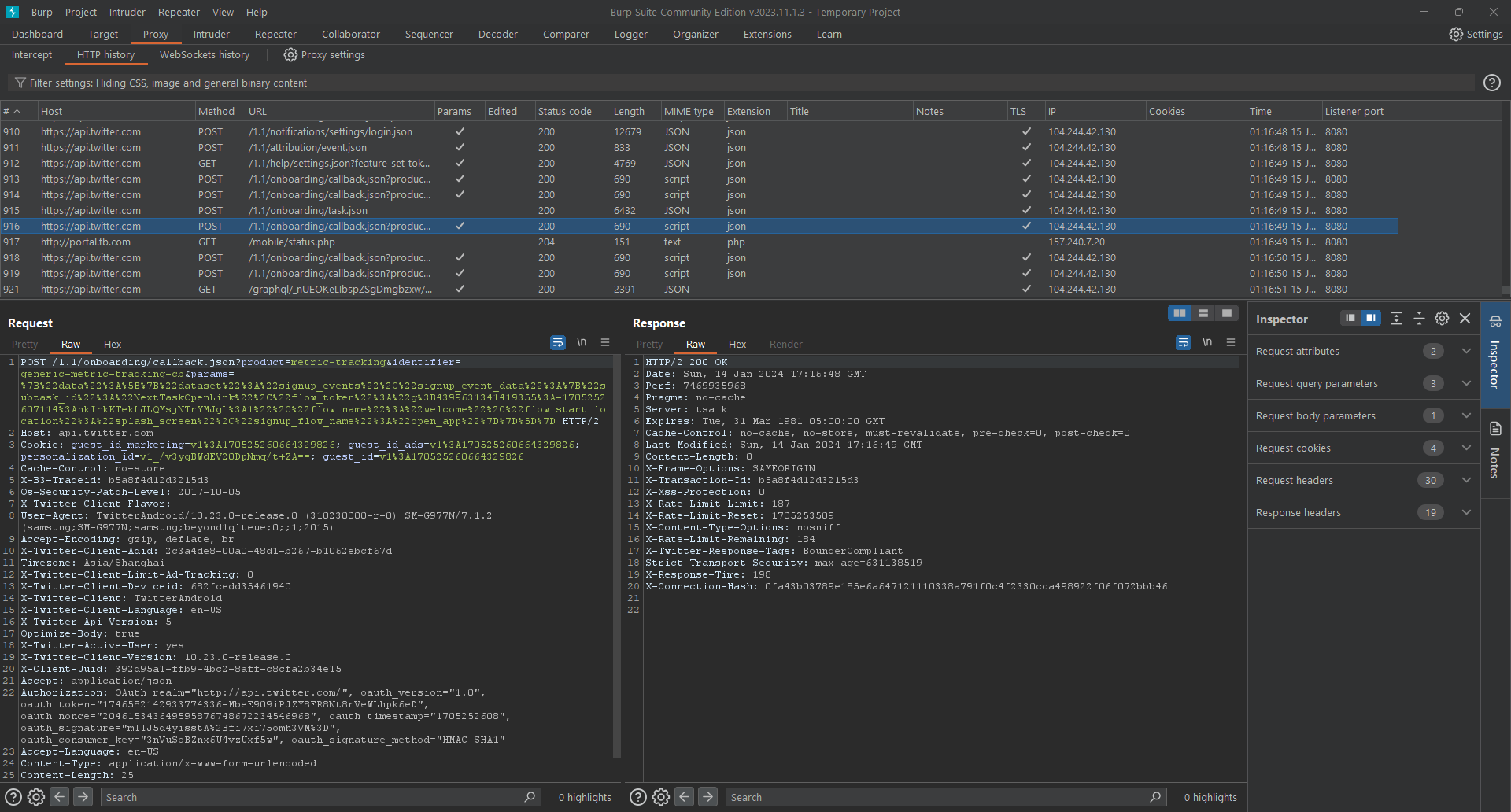
We can then take a look at burp and ensure that we are able to see the raw requests sent by the X app to its api server.